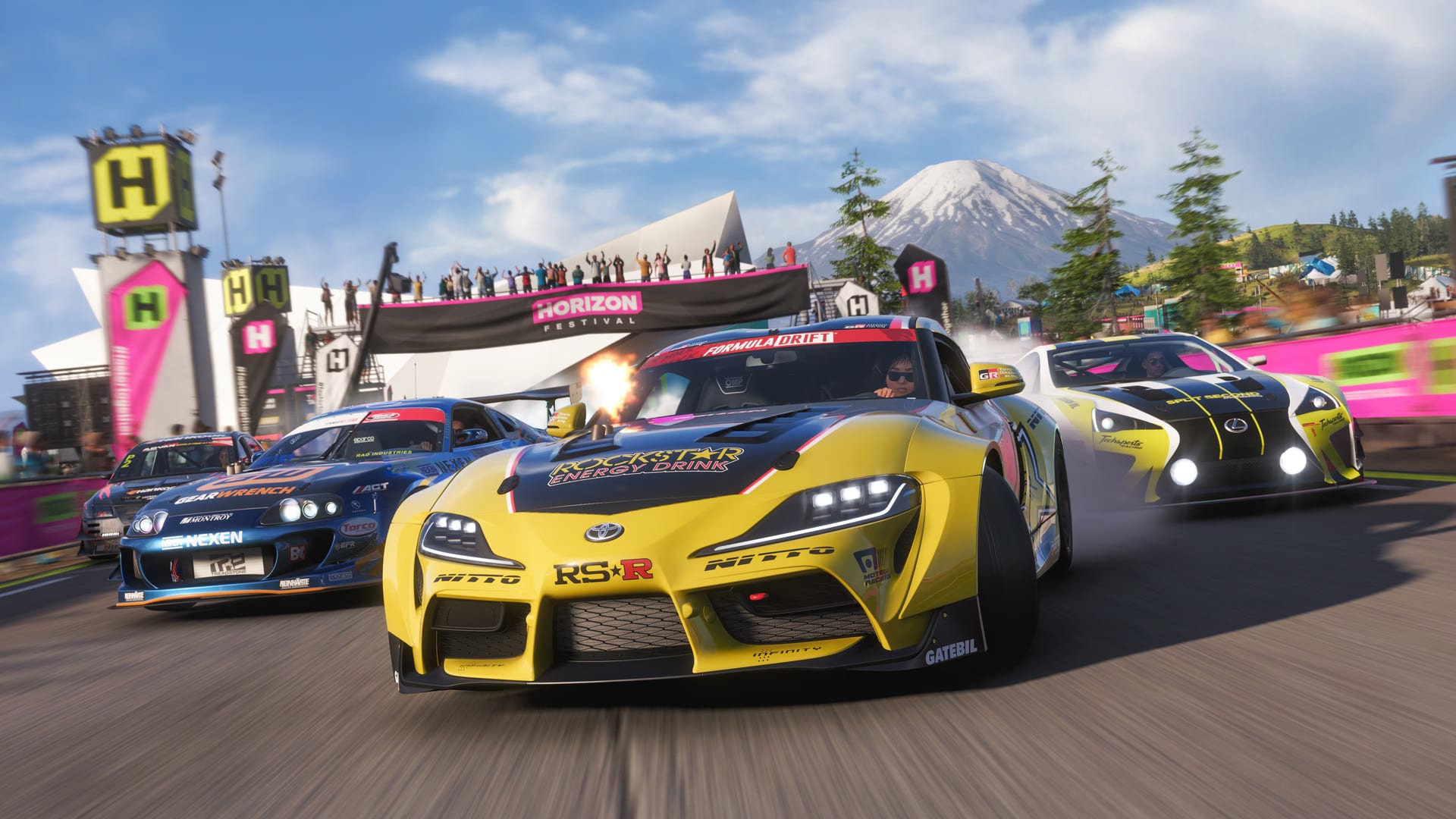
Forza Horizon 6 includes one of the most comprehensive accessibility suites in racing games.
New in FH6
Auto-Drive
Accessed via ANNA (AI assistant) using the d-pad. Set a waypoint on the map and the car drives itself — sit back and enjoy the scenery.
Proximity Radar
Radial overlay showing nearby vehicles, direction, and distance. Helps identify blind spots. Includes audio cues option for additional awareness.
High Contrast Mode
Fully customizable screen simplification to distinguish important objects. Adjust what gets highlighted and intensity — helpful for low vision or sensory processing needs.
Sign Language Support
ASL and BSL added post-launch via picture-in-picture during cutscenes. Adjustable interpreter position on screen.
Auto-Steer & Auto-Brake
Individual toggles for steering and braking assistance. Useful for players who want partial assistance without full auto-drive.
Difficulty Presets
- Minimal Assistance — full manual control
- Balanced — suggested line + rewind
- Full Assistance — auto-steer, auto-brake, auto-drive
Visual Accessibility
| Feature | Description |
|---|---|
| High Contrast Mode | UI elements use maximum contrast colors |
| UI Scaling | Adjust HUD size from 50% to 200% |
| Subtitle Customization | Size, background opacity, color, font |
| Colorblind Filters | Protanopia, deuteranopia, tritanopia modes |
| Screen Narration | Text-to-speech for menus and UI |
| Motion Sickness Reduction | Reduces camera shake and motion blur |
Audio Accessibility
- ASL (American Sign Language) — in-game cutscenes include ASL interpreter overlay
- BSL (British Sign Language) — same for British players
- Closed Captions — all dialogue and significant audio cues
- Audio Cues for Racing — beep frequency increases as you approach corners
Controller & Input
| Feature | Description |
|---|---|
| Full Button Remapping | Remap every action on any controller |
| Preset Layouts | Multiple pre-made controller layouts |
| Analog Sensitivity | Adjust stick and trigger curves |
| Vibration Tuning | Per-axis haptic feedback control |
| Toggle vs Hold | Choose toggle or hold for gas/brake |
Hardware Compatibility
The following assistive controllers and devices are supported:
| Device | Platform |
|---|---|
| Xbox Adaptive Controller | Xbox, PC |
| Logitech Adaptive Kit | Xbox, PC |
| 8BitDo Lite SE | Xbox, PC |
| DualSense Edge | PC (wired) |